
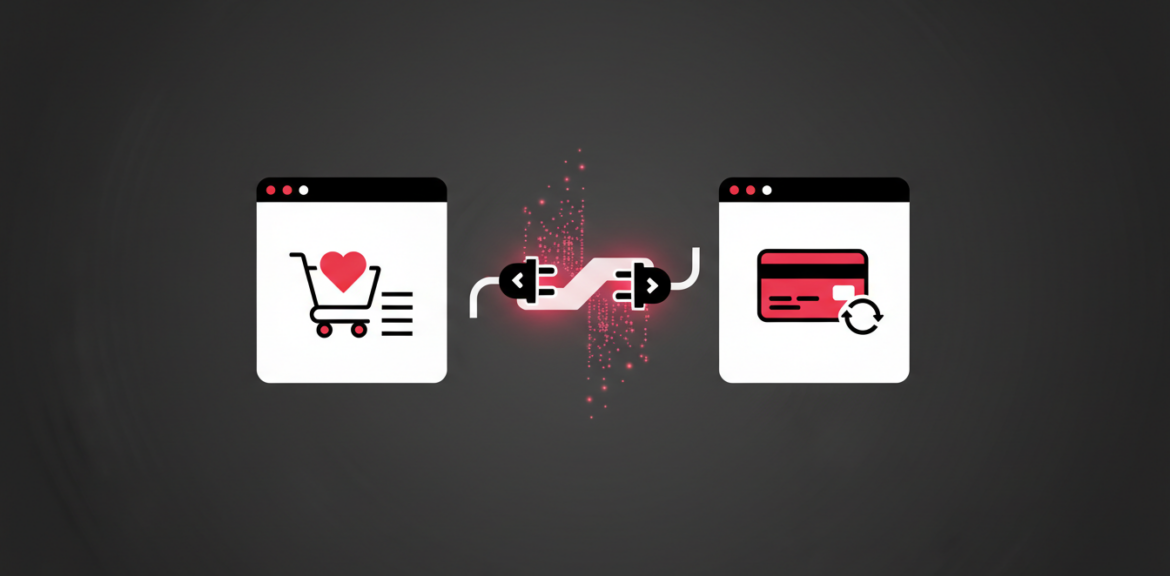

If you have ever heard a developer say “we will connect it through an API” and quietly nodded along, you are not alone. The idea is simpler than it sounds, and understanding it helps you make better decisions about your website, app and payments. Here is what an API is, in plain English.
Quick answer
An API (Application Programming Interface) is a set of rules that lets one piece of software ask another for information or actions. It is how your website can take an M-Pesa payment, send an SMS or show a map without building those services itself.
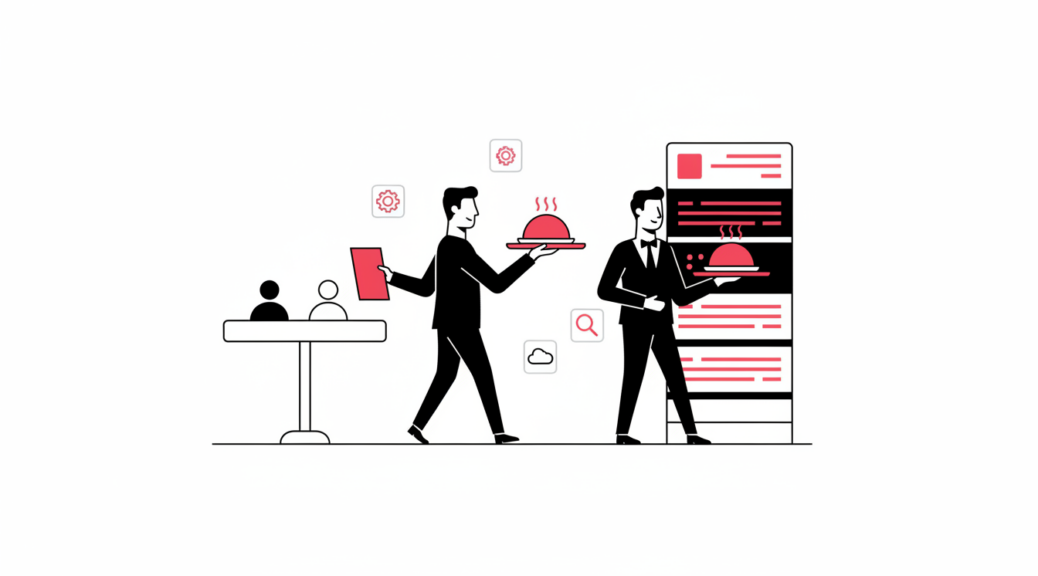
The Waiter Analogy
Imagine a restaurant. You sit at a table and decide what you want, but you do not walk into the kitchen. A waiter takes your order to the kitchen, and brings the food back to you. The API is the waiter. It carries a clear request from one system to another and returns the response.
Everyday Examples
- Payments: your online shop asks a payment service to request money from a customer and tells you when it arrives. See how this works in our M-Pesa integration guide.
- Messaging: your system sends order confirmations and reminders by SMS or email.
- Maps and delivery: your website shows a location or calculates a delivery area.
- Accounting and inventory: your POS passes sales into your accounting software automatically.
- Login with another account: a site lets you sign in using an account you already have.
Why APIs Matter for Your Business
- Less manual work: data moves between systems without anyone retyping it. This is the heart of business automation.
- Faster projects: you reuse proven services instead of building everything from scratch.
- More accurate records: fewer copy-and-paste mistakes.
- Room to grow: you can add or swap services later as your needs change.
Questions to ask a developer: Which services will we connect to? What happens if one of them goes down? Who pays for the API’s usage fees? Where are the access keys stored?
Things to Watch Out For
- Costs: some APIs charge per use, so check pricing before you build around them.
- Dependence: if a provider changes or shuts down its API, your system may need updates.
- Security: access keys must be kept private on your server. Never place them in public page code.
- Reliability: good systems plan for the moment a connected service is slow or unavailable.
Frequently Asked Questions
Do I need to understand the code to use an API?
No. You only need to understand what you want the connection to achieve. Your developer handles the technical side.
Is an API the same as an app?
No. An app is something people use directly. An API is the behind-the-scenes link that lets apps and services share information.
Can my business have its own API?
Yes. If you build custom software, it can expose an API so your website, mobile app and partners can all use the same data. This is one reason many businesses go custom. See custom software vs off-the-shelf.
Want Your Systems to Work Together?
Mbivu Tech connects websites, apps, payments and business tools so your team stops copying data by hand.


