
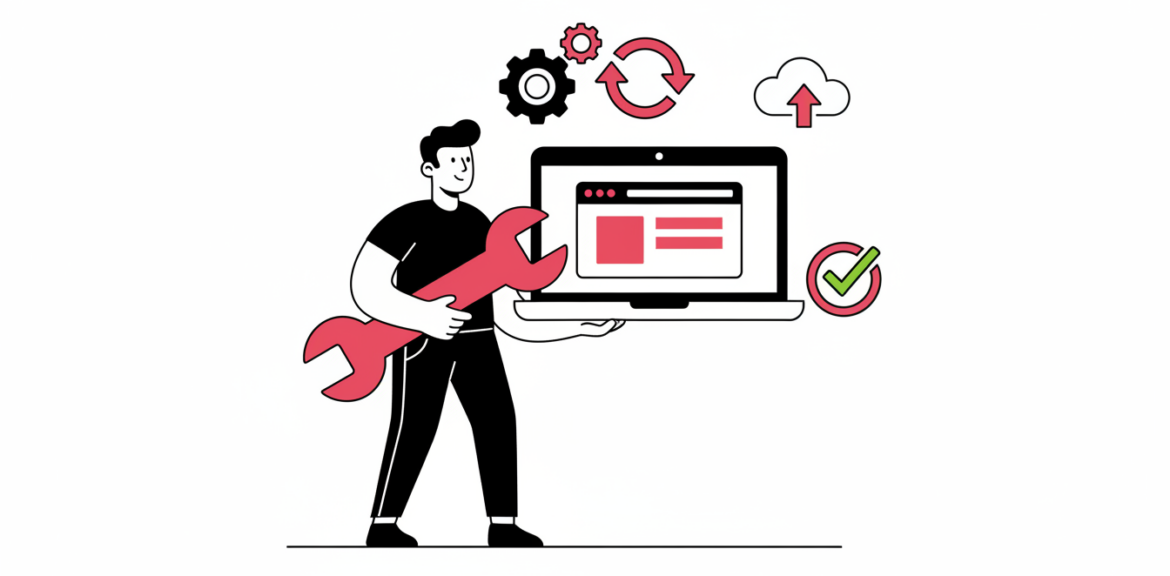

A website is not a poster you print once and forget. It is closer to a shop: it needs to be opened, cleaned, restocked and kept safe. Many businesses only think about their site when something breaks, and by then the fix is slower, stressful and more expensive. Regular website maintenance prevents most of those emergencies.
Quick answer
Website maintenance means keeping your site updated, backed up, secure, fast and accurate. A simple monthly routine, plus quick checks after any change, protects your visitors, your search visibility and your reputation.
In this guide
- What website maintenance includes
- How often it should happen
- What skipping it really costs
- Do it yourself or hire a partner?
- Frequently asked questions
What Website Maintenance Includes
1. Software updates
Your content management system, theme and plugins release updates that add features and fix security flaws. Skipping them leaves known weaknesses open. Updates should be applied carefully, ideally tested first so that nothing on your site breaks.
2. Backups you can actually restore
A backup is only useful if it is recent, stored away from your hosting account and tested. When something goes wrong, a clean backup turns a crisis into a short interruption.
3. Security monitoring
This covers malware scans, login protection, user account reviews and checking that your SSL certificate is valid. For the full checklist, read our guide to protecting your business website from hackers.
4. Speed and performance checks
Over time, large images, unused plugins and bloated pages slow a site down. Regular clean-ups keep pages loading quickly, which matters for visitors on mobile data and for your search engine optimisation.
5. Broken links and forms
Links to pages that no longer exist frustrate visitors and weaken trust. Contact forms, booking forms and payment flows should be tested regularly to make sure enquiries and orders actually reach you.
6. Content freshness
Outdated prices, old phone numbers, expired offers and stale team pages quietly damage credibility. Fresh content also gives search engines a reason to revisit your site.
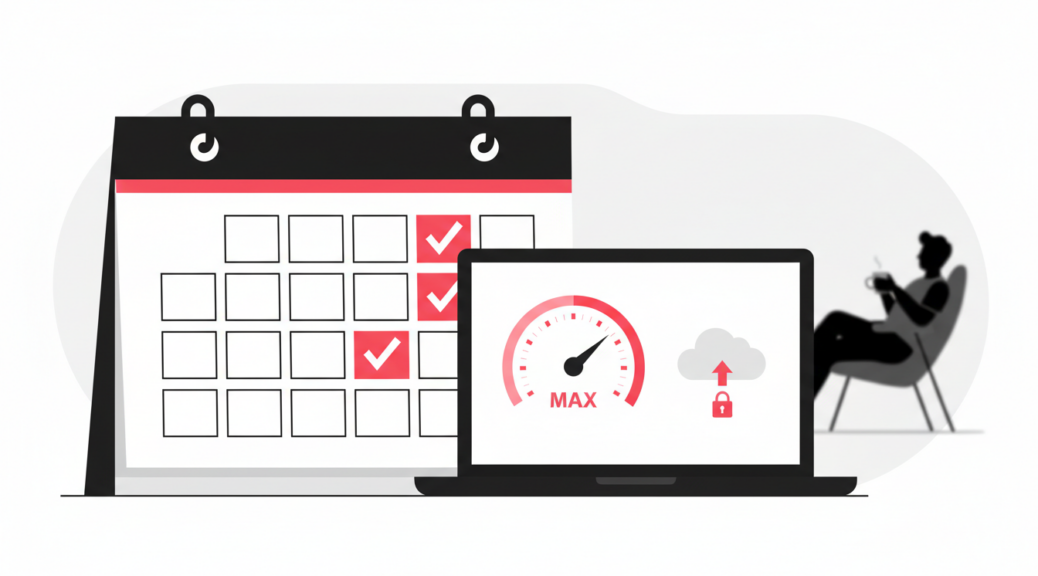
How Often Should It Happen?
The right rhythm depends on how much your site does. As a practical guide:
- Daily or automatic: backups and security monitoring.
- Weekly: check for updates and test your main forms or checkout.
- Monthly: speed review, broken link scan, user account review and content check.
- Quarterly: a deeper review of design, analytics, SEO and anything your customers complain about.
If your site takes orders or payments, such as M-Pesa checkout, lean towards the more frequent end and test payments after every significant update.
What Skipping Maintenance Really Costs
- Downtime: every hour your site is offline is a missed enquiry or sale.
- Emergency repair fees: urgent fixes cost more than planned upkeep.
- Lost trust: browser warnings or a defaced site push customers to competitors.
- Lost visibility: a slow, broken or hacked site can fall in search results.
- Bigger rebuilds later: an outdated site eventually becomes too old to patch, and you pay for a full redesign sooner than planned.
Think of it like servicing a vehicle. Regular, small check-ups cost far less than a breakdown on the road, and they keep your business moving.
Do It Yourself or Hire a Partner?
If you are comfortable with your website platform, you can handle simple tasks yourself, such as updating content and checking forms. Technical work like updates, backups, security and performance tuning is safer in the hands of someone who does it daily.
When you choose a partner, ask what is included, how quickly they respond to emergencies, where backups are stored, and who owns your accounts. Our advice on choosing the right software development partner in Kenya applies to maintenance partners too.
Frequently Asked Questions
Is website maintenance necessary if my site rarely changes?
Yes. Even a site you never edit still depends on software that needs updates, an SSL certificate that must be renewed and a hosting environment that changes over time.
Does hosting include maintenance?
Not usually. Hosting keeps your site online, but it rarely covers updating your plugins, testing your forms or cleaning up a hacked site. Check exactly what your hosting plan includes.
What should I do before updating my website?
Take a fresh backup first. If possible, test the update on a copy of the site, then check your key pages, forms and checkout afterwards.
Who should own my domain and hosting accounts?
You should. Make sure the accounts are registered in your business’s name so you always keep control, even if you change developers.
Want Peace of Mind About Your Website?
Mbivu Tech can review your site, fix what is overdue and set up a simple maintenance routine that keeps it fast, secure and online.


