
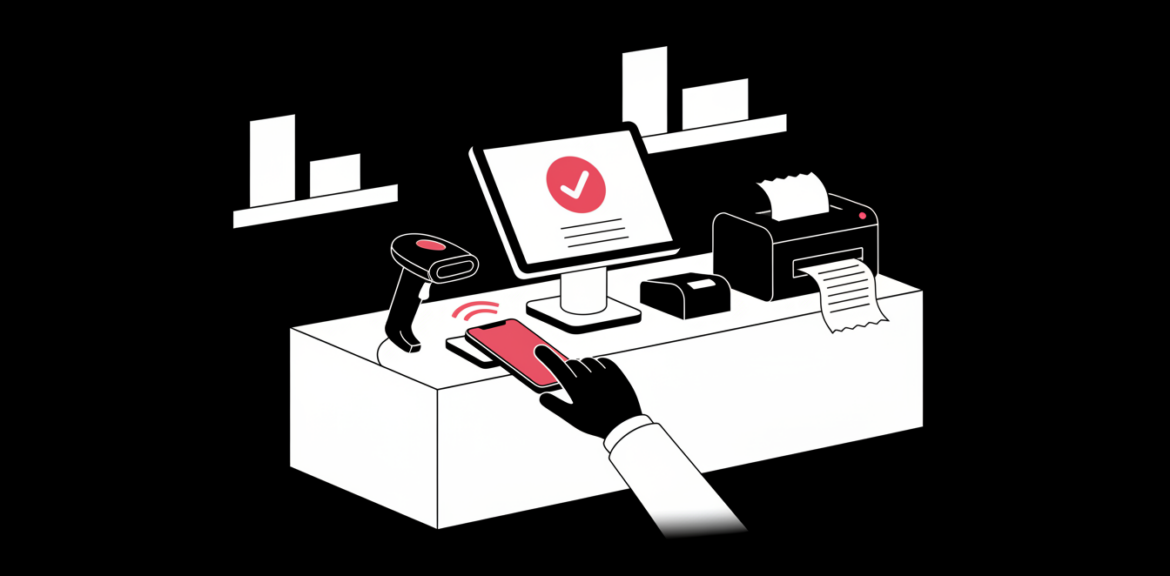

Your point of sale is the heart of your daily trading. When it works, customers are served quickly and your numbers are always clear. When it does not, you lose time, stock and sales without noticing. Here are seven signs it may be time for a custom POS system.
Quick answer
If your team relies on spreadsheets, workarounds or manual reconciliation to make your current POS useful, a custom system built around your products, branches and payment methods will likely save time and reduce errors.
1. Your Stock Never Matches Reality
If the system says you have ten units and the shelf has six, you cannot reorder with confidence. A good POS updates stock the moment a sale, return or transfer happens, across every branch.
2. M-Pesa Payments Are Matched by Hand
Checking phone messages or statements to confirm who paid is slow and risky. A custom POS can confirm payments automatically and attach them to the right sale. See how this works in our guide to integrating M-Pesa into your website or app.
3. Reports Take Hours to Prepare
If you export data and rebuild reports in a spreadsheet every week, your system is not doing its job. You should be able to see daily sales, best sellers, margins and staff performance in a few taps.
4. You Cannot Handle Your Real Pricing
Wholesale and retail prices, bundles, discounts, loyalty rewards and credit accounts are common in Kenyan trade. If your POS forces you to fake these with workarounds, it does not fit your business.
5. Your Tools Do Not Talk to Each Other
When your POS, accounting, delivery and online store all live separately, your team copies data between them. Integrations remove that repeated work and the mistakes that come with it.
6. You Are Opening More Branches
Running one shop on a simple tool is easy. Running several needs central control of products, prices, users and reports, with permissions so staff only see what they should.
7. Subscription Fees Keep Growing
Per-user and per-branch fees can grow faster than your revenue. Compare the total cost over a few years before deciding. Our guide on custom software vs off-the-shelf shows how to weigh it up.
Tip: Before building anything, list the three things your current POS cannot do. That list becomes the start of your project brief.
Frequently Asked Questions
Does a custom POS work offline?
It can. A well-designed system keeps selling when the internet drops and syncs once the connection returns. Tell your developer about your connectivity from day one.
Can I keep my existing hardware?
Often yes. Receipt printers, barcode scanners and tablets usually work with a custom system, but confirm compatibility before you buy anything new.
Ready for a POS That Fits Your Business?
Tell us how you trade today and where it hurts. We will recommend the simplest solution that works.


